

You've been wearing that fitness tracker religiously for months. You're hitting your step goals, tracking every workout, and watching those heart rate zones like a hawk. So why aren't you getting faster at acceleration, sprint speed, or change of direction (COD)? If you're scratching your head wondering why your shiny wearable tech isn't translating into speed, agility, and sprint performance gains, you're definitely not alone.
Here's the uncomfortable truth: fitness trackers are great at collecting data, but terrible at making you faster in linear speed, agility, acceleration mechanics, and COD performance. Research shows that simply tracking activity doesn't automatically translate to meaningful performance improvements—especially for sprint training, footwork drills, and agility work.
But don't toss that tracker in a drawer just yet. With the right approach, you can transform your wearable from a passive data collector into a powerful speed training tool for acceleration, agility, and sprint performance.
The Hidden Problem with Fitness Tracker Mentality
Most athletes make a critical mistake when relying on fitness trackers for speed and agility development. They treat the device like a magic performance enhancer, expecting that monitoring their metrics will somehow make them faster automatically.
The reality? Data without direction is just numbers on a screen—especially when your goal is sprint speed, acceleration, and agility.
Why Traditional Tracking Falls Short for Speed Training
Speed isn't just about cardiovascular fitness or daily step counts. Getting faster requires:
• Explosive power development - something your tracker can't measure well (e.g., jump height, plyometrics, acceleration power) • Neuromuscular coordination - which happens in milliseconds, not minutes (stride frequency, ground contact time) • Sport-specific movement patterns - far more complex than basic activity tracking (agility, COD angles, footwork) • Progressive overload in speed work - requiring precise timing and intensity control (10-20 m sprints, flying 10s/30s)
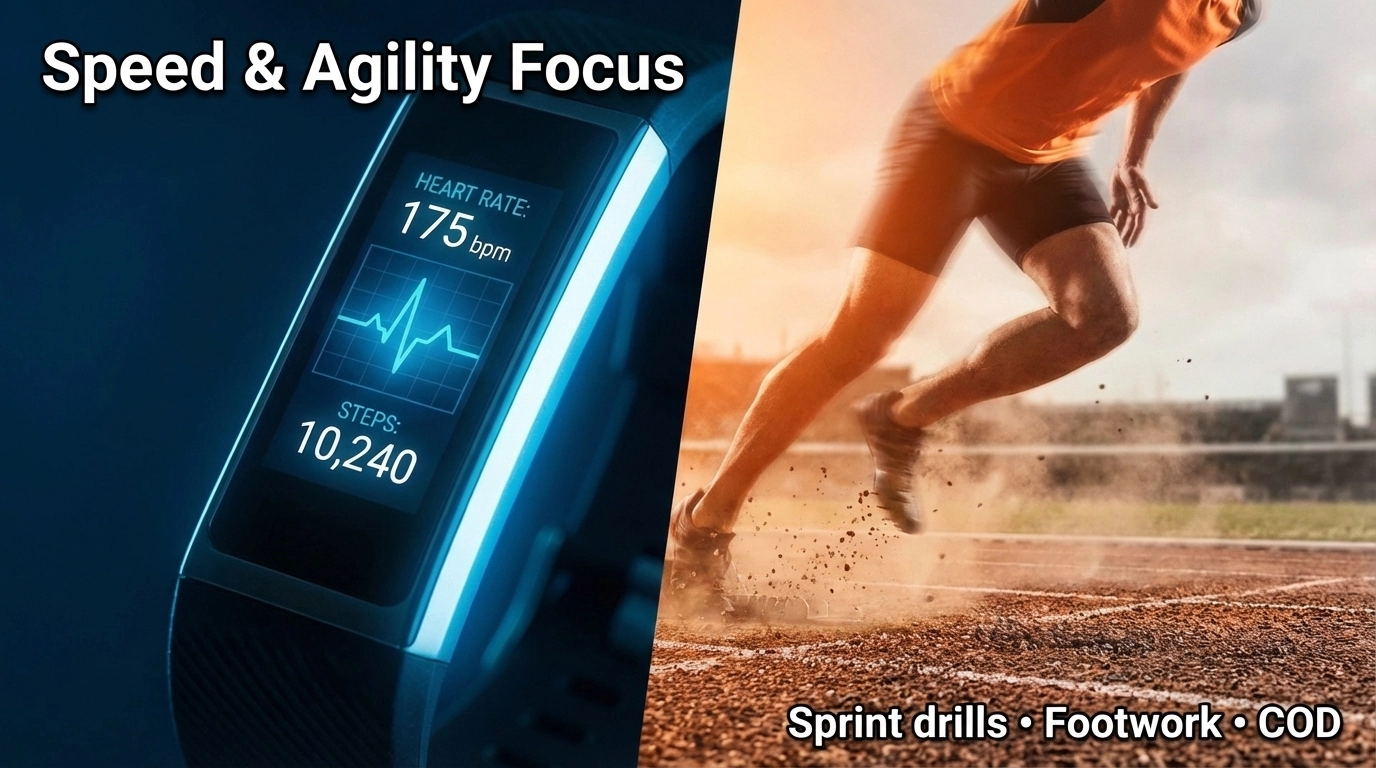
Your fitness tracker excels at measuring heart rate, distance, and general activity levels. But speed training happens in those explosive 10-20 meter sprints, lightning-quick change of direction (COD), and precise agility movements and footwork drills (ladder and cone patterns) that most trackers simply can't capture or analyze effectively.
The Research That Changes Everything
A groundbreaking UCLA study revealed something crucial: fitness trackers alone produce little to no meaningful change in performance. However, when users received personalized, daily feedback about their specific goals and progress, they saw dramatic improvements in exercise duration, body composition, aerobic endurance, and overall fitness—exactly the kind of foundation that supports better sprint times, acceleration over 10–20 m, and agility test results (e.g., pro-agility 5-10-5).
The key difference wasn't the tracker itself - it was the personalized coaching and targeted feedback that made all the difference.
The 5-Step Fix: Transform Your Tracker into a Speed Training Tool
1. Use Your Tracker for Recovery, Not Just Activity
Here's where most people get it wrong: they focus on using their tracker during speed training when they should be using it between sessions.
What to track: • Sleep quality and duration (aim for 7-9 hours for optimal speed, agility, and sprint development) • Resting heart rate trends (elevated RHR = incomplete recovery before speed/COD work) • Heart rate variability if available (indicates nervous system readiness for high-speed sessions)
Why this works: Speed training is incredibly demanding on your nervous system. Your tracker's most valuable contribution is ensuring you're recovered enough for high-quality speed and agility sessions. A fatigued athlete running mediocre acceleration sprints or sloppy COD drills won't improve, no matter how much data they collect.

2. Create Targeted Heart Rate Zones for Speed Work
Forget those generic heart rate zones in your tracker's default settings. Speed training requires specific intensity targets that most devices don't pre-program.
Set these custom zones: • Alactic power zone (90-100% max HR): For sprints under 10 seconds • Active recovery zone (60-70% max HR): For rest intervals between speed reps • Lactate threshold zone (80-90% max HR): For speed endurance work
Pro tip: Use your tracker's interval timer function during agility training sessions and COD drills. Set work periods of 10-15 seconds with 60-90 second recovery intervals to maintain quality and explosive speed.
3. Combine Tracking with Real Speed Training Equipment
This is where your tracker becomes powerful - when paired with actual speed development tools instead of replacing them.
Smart combinations: • Track heart rate recovery between ladder and cone drills (footwork, lateral agility) • Monitor training load during resistance parachute or sled sprint sessions • Use GPS (if available) to measure top speed during flying sprints (flying 10s/30s)
Your tracker provides the physiological feedback while proper speed training equipment (agility ladders, cones, speed hurdles, resistance bands, reaction balls) provides the stimulus for improvement. Neither works optimally alone.
4. Implement Progressive Tracking Metrics
Instead of obsessing over daily step counts, create tracking metrics that actually correlate with speed development:
Weekly tracking targets: • Number of high-intensity speed and agility/COD sessions (aim for 2-3 per week) • Total time spent in max heart rate zones (quality over quantity during sprints and footwork drills) • Recovery heart rate after standardized sprints (10-20 m accelerations or pro-agility shuttle; improving = getting faster) • Sleep consistency scores (crucial for speed adaptation)
Monthly assessments: • Resting heart rate trends (lower = better cardiovascular efficiency for repeated sprint ability) • Heart rate recovery patterns (faster recovery = improved fitness and sprint readiness) • Training load distribution (are you balancing hard and easy days to support peak speed?)
5. Use Data to Drive Personalized Feedback
Remember that UCLA study? The magic wasn't in the tracking - it was in the daily, customized feedback about progress toward specific goals.
Create your feedback system: • Weekly data reviews with specific speed goals in mind • Daily check-ins on recovery metrics before planning training • Monthly trend analysis to adjust training intensity and volume • Seasonal periodization based on accumulated training load data
Example feedback loop: If your tracker shows elevated resting heart rate and poor sleep quality, that's feedback to reduce training intensity for 2-3 days. When markers return to baseline, you can resume high-intensity speed and agility work with confidence.
The Missing Piece: Actual Speed Training
Here's the bottom line - your fitness tracker is a tool, not a solution. To get faster, you need to pair smart data use with proven speed development methods:
• Sprint mechanics work - focusing on proper running form for acceleration and max velocity
• Plyometric training - developing explosive power output (jumps, bounds)
• Agility patterns - improving lateral movement and change of direction (COD) speed
• Sport-specific drills - transferring speed and reaction time to your activity
Your tracker's job is to ensure you're recovered enough for quality speed and agility training and help you monitor adaptation over time. The actual speed gains come from consistent, progressive training with the right intensity and volume.
Red Flags: When Your Tracker Data Says "Stop"
Your tracker can be a powerful safety tool when you know what warning signs to watch for:
• Resting heart rate 5-10 beats above normal = skip high-intensity work • Poor sleep quality for 2+ consecutive nights = reduce training load • Heart rate staying elevated during easy activities = possible overreaching • Inability to reach target heart rates during sprints = incomplete recovery
Getting Started: Your Next 7 Days
Day 1-2: Set up custom heart rate zones based on your max heart rate
Day 3-4: Establish baseline metrics (resting HR, sleep quality, recovery patterns)
Day 5-6: Plan your first structured speed & agility session (acceleration sprints + ladder/cone drills) with tracker monitoring
Day 7: Review the week's data and adjust next week's training accordingly
The goal isn't to become a data scientist - it's to use smart tracking to support better training decisions and faster results.
Your fitness tracker won't make you faster by itself, but when used correctly, it becomes an invaluable tool for optimizing recovery, monitoring training stress, and ensuring your speed training sessions are high-quality and purposeful. Combine intelligent data use with proven training methods, and you'll finally start seeing the speed gains you've been chasing.
Remember: champions aren't made by the devices they wear, but by how intelligently they train. Your tracker is just there to help you train smarter, recover better, and consistently perform at your best when it matters most.


